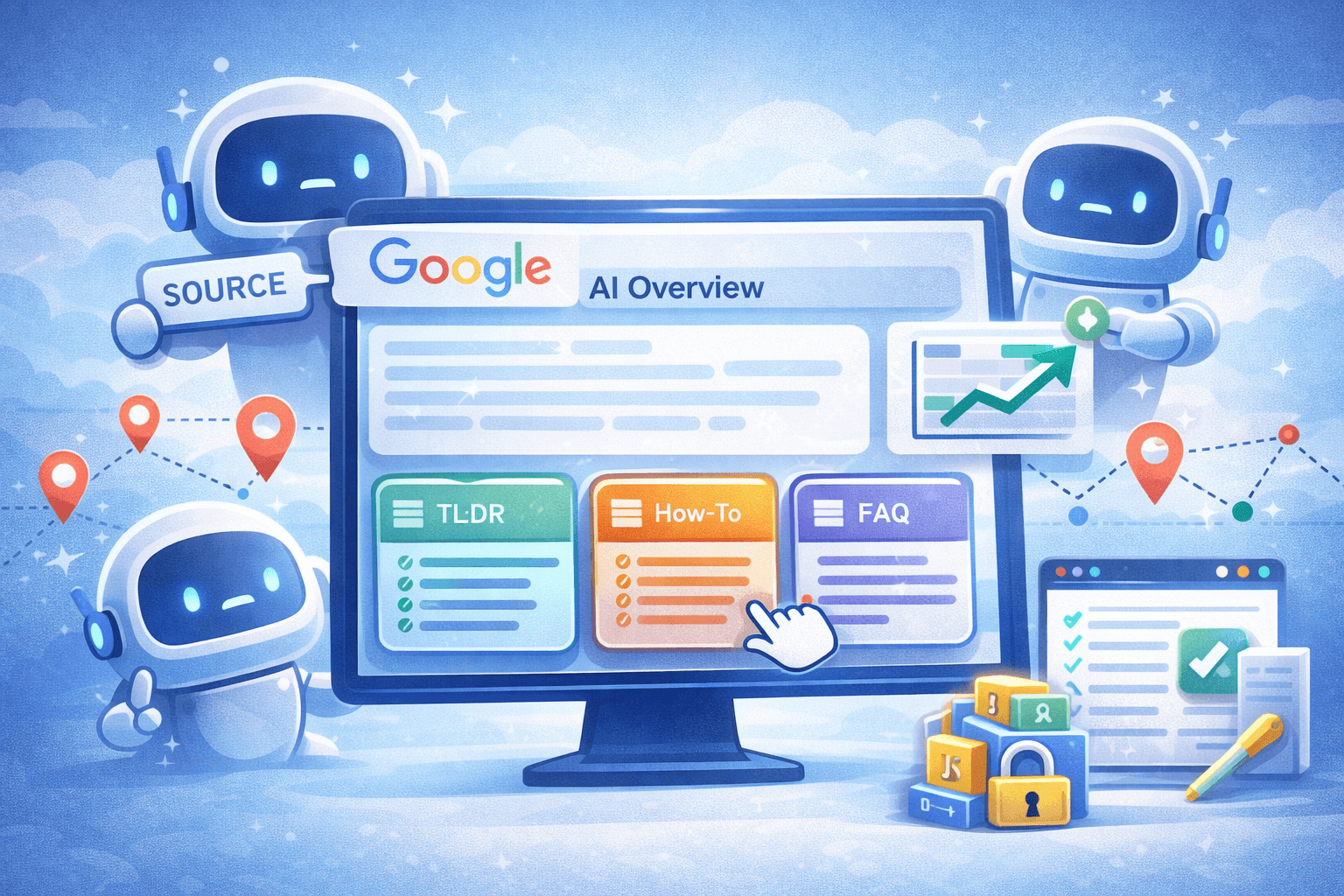
GEO instead of SEO: How to Appear as a Source in Google AI Overviews
Google is increasingly focusing on AI Overviews, i.e., AI-generated short answers at the very top of the search results. These overviews summarize a topic and link to relevant pages to provide users with further information. They are often visible as “Position Zero” and take up a lot of space above the classic organic results. This means that the click-through rate on regular search results has dropped significantly (sometimes by over 60%), as many users already find their answer in the AI panel. However, those who are cited by Google as a source win—such as by appearing as a link in an AI snippet. Studies show that top rankings lose massive traffic if they are not cited in the overview (up to around 79% fewer clicks on the previous top spot). Conversely, citations in AI answers generate highly qualified visitors with long dwell times. Our goal, therefore, is to leverage the GEO shift. Instead of relying solely on classic rankings, we want to appear as a source in Google’s AI answers.
What are AI Overviews and why are they so important?
Google itself describes AI Overviews as an “AI-generated snapshot with key information and links for further reading.” In practice, this means that for more complex queries, Google provides a summary answer even before the “ten blue links,” and below that, links to websites that serve as sources appear. These sources do not come from the AI’s training dataset but from Google’s own index, i.e., the usual organic rankings. So you don’t have to train the AI model itself, but simply provide relevant, well-ranking content. Pages that are already listed high in the search results (ideally Top 1 to Top 12) have the best chances of being cited as sources. For us as website operators, this is a huge opportunity. Because even if we are not in first place in the classic ranking, we can generate valuable traffic through GEO. Instead of chasing clicks, we aim to appear as experts in the answers.

Get the Video Course on GEO & LLM SEO
GEO only becomes truly valuable when AI systems select your content as a source and actively recommend you. In this Udemy course, you’ll get the step-by-step implementation plan. Click the button and make your content quotable now.
To the CourseWhich content is often cited?
How does Google’s AI select the websites it links to in its answers? Basically, AI systems love clear, fact-rich, and well-structured content. Texts that are concise and directly answer questions are preferred. Every paragraph should be able to stand on its own and deliver key answers right at the beginning. If keywords like “steps”, “TL;DR”, “conclusion”, or “short answer” appear, the AI pays special attention, as it interprets these as summaries. Lists and bullet points are also very effective. If you use clear bullet or numbered lists for features, benefits, or processes in your text, the AI can easily adopt them. Data in table format is particularly well received, as the AI can easily extract table data. For example, price tables, comparison tables, or step-by-step guides in table format are “AI-friendly.” Structured Q&A sections (frequently asked questions) are also useful because they contain short, precise answer text. Many AI overviews feature exactly such FAQ answers, ideally with appropriate schema markup (see below).
Additionally, the AI pays attention to freshness and authority. Content that is current and well-supported is more likely to be cited. If your website is perceived as an expert in a particular field (for example, through expert authors, citations in professional articles, or a solid About Us section), this increases your trustworthiness. Social media discussions or platforms like Reddit can surprisingly play a role. A significant portion of sources cited in AI Overviews come from forums and online communities (some studies cite up to 20% Reddit sources). This shows that an active presence there strengthens your chances, as Google sees such posts as honest user feedback.
Content Structure: TL;DR, How-To, Tables, FAQ, Schema
To “feed” the AI, your content should have certain structures. A TL;DR section right at the beginning summarizes the most important points in one or two sentences. Similar to blogs, you can place a short summary at the start, as the AI immediately absorbs the core message. How-to guides or step-by-step explanations with numbered lists are very well received, as the AI often generates answers in such steps. If tasks are complex, a clear overview block with numbered steps helps.
Tables as a structure are almost unbeatable if you want to compare data or list prices. Machine learning models take table content directly as usable knowledge. Make sure the table is simple (no merged cells or empty rows) so that no information is lost. FAQ sections are equally important: Sub-questions with direct answers (just a few sentences each) improve the chance that these answers will appear in an AI overview. Schema.org markup helps, for example with a FAQPage schema or HowTo schema to mark your questions and answers. Google’s documentation recommends embedding JSON-LD scripts on the page that follow this logic. This way, the AI knows that these are specifically answers and can find them more easily.
Overall, every section of your page should feel within easy reach. Key facts at the very beginning, clear headings, short paragraphs. A style with an “inverted pyramid” is ideal. The central answer is at the top, background knowledge below. Avoid digressions. According to experts, Google’s LLM “looks for clear, concise facts it can extract. Everything else is ignored.” If a user asks, “How do I fix a burst water pipe?”, your section should immediately start with “To fix a burst water pipe, first turn off the main water valve…” instead of a long introduction. This “clear answer format” drastically increases the chances of being selected as a source.
Keep content short and concise
A central concept is that of a “source-ready snippet.” This means you should always write your content so that it contains short, quotable information snippets. According to SEO experts, Google refers to this approach as “making knowledge answer-ready.” In practice, this means writing every important statement as a self-explanatory sentence or short paragraph, like answers to typical questions. Such text blocks are 50–120 words long and extremely focused. For example, a service provider could start under the heading “This is how installation works” with “Within 24 hours of receiving your order, we install your system. On average, setup including test run takes 3–4 hours. We use the latest equipment…” instead of writing a long company history. Google can directly use such answer blocks as a source.
In addition to concise paragraphs, evidence and trust signals help. References (in the text or via link) to credible statistics, studies, or authorities increase the likelihood that Google will find your statement trustworthy. Images and tables with descriptive alt texts and ImageObject schema can also help, as long as they are relevant. Most importantly, present yourself as an expert. A short author profile with a name, for example, strengthens the E-E-A-T (Experience, Expertise, Authority, Trustworthiness) of your content and signals to the AI that your answer is reliable.
Monitoring in the Search Console
How do we check if our content appears in AI Overviews? Google Search Console now offers a performance report for this. In the performance report, you can restrict the search type to “Web” and filter by “AI Overview”. This way, you can see impressions and clicks from users who have seen an AI overview. However, it’s important to know: Google only counts this data if the user actually scrolls to the AI overview area or explicitly expands it. A bare ranking in first place is not enough; you actually have to be mentioned as a link. Also, AI Labs user experiments often do not appear there, only the “real” ones via normal search.
Despite these limitations, it’s worth looking at the Search Console. For example, you can see if the share of clicks from “AI Overviews” is growing for certain queries. Since classic click numbers may decrease, you should also pay attention to dwell time. Visitors who come via an AI citation often read more. In any case, it’s helpful to check for traffic drops to see if they coincide with the appearance of an AI overview. In the long run, you’ll get a feel for which topics have already switched to Generative Engine Optimization and whether your own site is being chosen as a source.
Get the Video Course on GEO & LLM SEO
GEO only becomes truly valuable when AI systems select your content as a source and actively recommend you. In this Udemy course, you’ll get the step-by-step implementation plan. Click the button and make your content quotable now.
To the CoursePractical Example (Next.js): Structured Content with Schema
To make this tangible, here’s a small Next.js example. Let’s imagine we have a page with a short FAQ. With Next.js, we can build the page so that it already includes schema in the HTML. The code below shows how to embed a JSON-LD FAQ in the Head section. The FAQ questions and answers are kept short (each source-ready), and the FAQPage schema signals to the AI that answers are available here. In practice, you would add several question-answer pairs:
import Head from 'next/head';

export default function SeoAiPage() {
  const jsonLd = {
    "@context": "https://schema.org",
    "@type": "FAQPage",
    "mainEntity": [
      {
        "@type": "Question",
        "name": "Was ist ein AI Overview?",
        "acceptedAnswer": {
          "@type": "Answer",
          "text": "Ein AI Overview ist eine KI-generierte Antwort direkt in den Google-Suchergebnissen, die Kernaussagen enthält und auf Quellen verlinkt."
        }
      },
      {
        "@type": "Question",
        "name": "Wie erstelle ich ein Source-Ready Snippet?",
        "acceptedAnswer": {
          "@type": "Answer",
          "text": "Formuliere eine klare, direkte Antwort, packe sie in einen kurzen Absatz oder eine Liste und benutze Schema-Markup wie FAQPage oder HowTo."
        }
      }
    ]
  };

  return (
    <>
      <Head>
        <title>SEO AI Beispielseite</title>
        <script
          type="application/ld+json"
          dangerouslySetInnerHTML={{ __html: JSON.stringify(jsonLd) }}
        />
      </Head>
      <main>
        <h1>Tipps für KI-freundlichen Content</h1>
        <p>Unsere FAQs wurden so aufgebaut, dass Suchmaschinen die Fragen und Antworten direkt erkennen können.</p>
        {/* Hier könnten weitere Abschnitte, Tabellen etc. folgen */}
      </main>
    </>
  );
}
In this example, we see short answer texts within structured blocks. The page also contains a <script> tag with type="application/ld+json" that embeds the FAQ schema. Google specifically recommends this implementation, as it confirms to the AI that this is answered knowledge. Similarly, you could add a HowTo schema or present concrete data in tables. It’s important that the page is both content-precise and technically accessible, as only then can Google extract and cite the information.
In conclusion: Adapt or die. Just doing SEO is no longer enough. Those who are cited in Google AI Overviews will maintain strong visibility in the future. So write content that is answer-ready: clear, structured, fact-rich, and trustworthy. Don’t hide your knowledge behind fluff—present it concisely. Create added value through engagement, whether through blogs, documentation, social posts, or targeted FAQ and HowTo sections. And keep an eye on developments! New reports are coming to Search Console that show how your pages perform in AI features.
If you want to actively shape this change and never miss a trend again, subscribe to my newsletter. I’ll keep you updated on new SEO strategies, technical tips, and exciting practical examples so you can stay ahead in the next generation of search!
Get the Video Course on GEO & LLM SEO
GEO only becomes truly valuable when AI systems select your content as a source and actively recommend you. In this Udemy course, you’ll get the step-by-step implementation plan. Click the button and make your content quotable now.
To the Course
Comments
Please sign in to leave a comment.