My Fullstack Journey with Flutter, NextJS, NestJS & Firebase
What does the world need even more urgently than another ToDo app? Right: a ToDo app you build yourself. 😅
It may sound trivial, but it’s perfect for showcasing the full spectrum of fullstack development – from server and backend to mobile app. And that’s exactly the goal of this blog series: Together, we’ll build a ToDo app that offers login via Firebase and can save, display, edit, and delete ToDos. The whole thing runs on its own VPS (Virtual Private Server) with nginx, NestJS, NextJS, Flutter, and Firebase.
In this first part, I’ll give you an overview of what to expect and how our project is structured.
Why build your own fullstack system?
Many developers start with individual tools or cloud solutions. But I wanted:
Everything from a single source – website, app, and backend all working together.
Control – my own VPS as the foundation.
Pure practice – not just a “Hello World” example, but a working application.
Our ToDo app is ideal for this: It’s simple enough not to descend into chaos, but complex enough to cover authentication, databases, API calls, and state management.
The tech stack for the ToDo app
To get specific, here’s my setup:
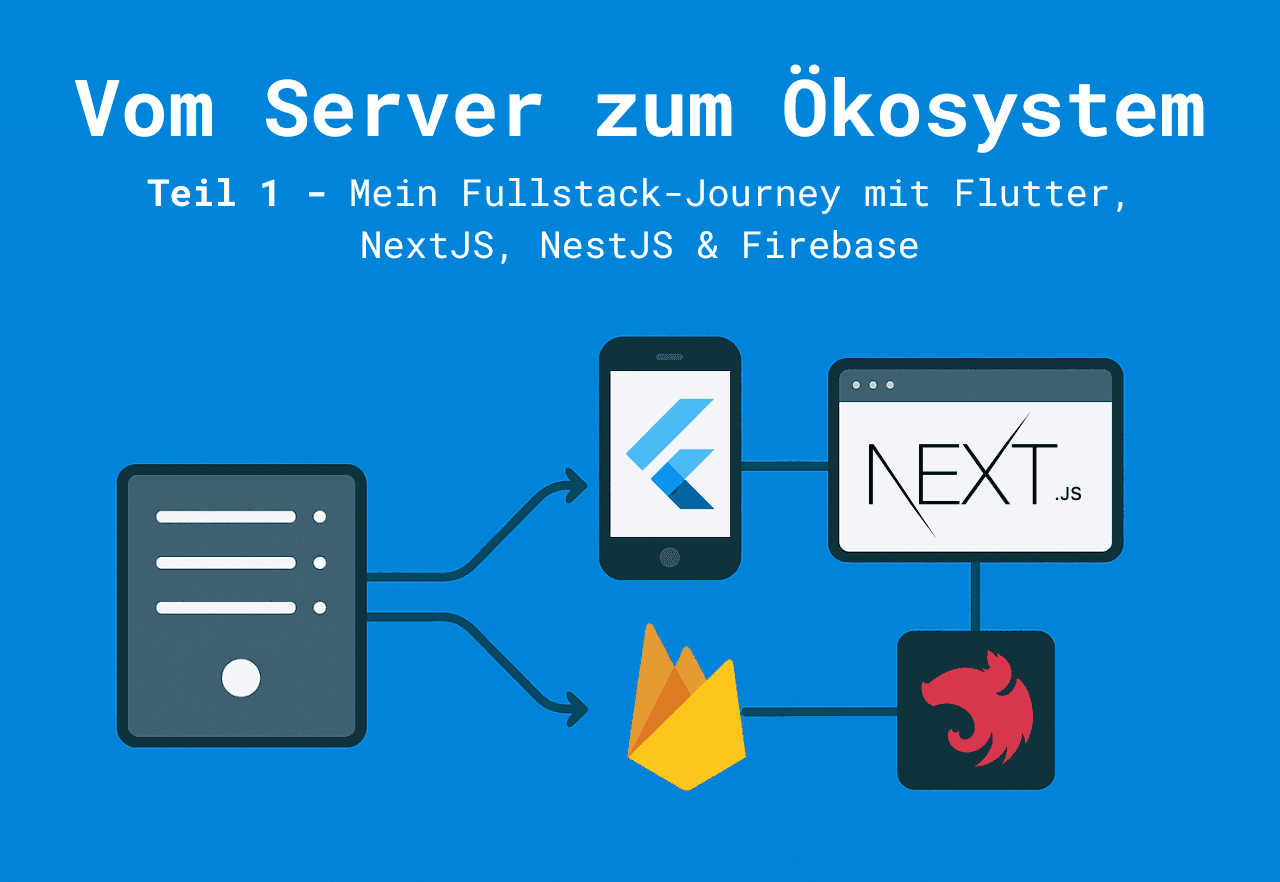
VPS + nginx 👉 Hosting, routing & security
NestJS 👉 API backend (CRUD for ToDos, user management)
NextJS 👉 Website frontend (manage ToDos in the browser)
Flutter 👉 Mobile app for iOS & Android
Firebase 👉 Authentication (login/signup), push notifications, possibly cloud storage
Architecture: How the components work together
The basic principle is simple:
User logs in via Firebase Auth.
Data (ToDos) is stored in a database (e.g., MySQL via NestJS).
The Flutter app and the NextJS website communicate with the NestJS API.
nginx ensures everything is accessible (https, subdomains).
👉 A diagram would fit perfectly here: VPS → Backend → (App, Website), with Firebase as the building block for auth.
What to expect in this blog series
Part 1 (this article): Overview, architecture & setup.
Part 2: Setting up the VPS with nginx as the base.
Part 3: NestJS backend – our ToDo API with CRUD endpoints.
Part 4: NextJS website for the ToDos.
Part 5: Flutter app for iOS & Android.
Part 6: Integrating Firebase (auth, notifications).
Part 7: Bringing it all together – the ecosystem.
Part 8: Learnings & best practices.
Part 9: Conclusion & outlook.
In the end, we’ll have a ToDo app that you can actually use.
My goals with this series
Reproducible: You can follow every step 1:1.
Directly applicable: No dry theory, but a real app.
Motivating: Learning should be fun – and building your own ToDo app is something to be proud of.
Conclusion & outlook
That lays the foundation. We know what we’re building and which tools we’ll use. In the next article, we’ll get down to business: We’ll tackle the VPS, set up nginx, and create the basis for making our app accessible at all.
Stay tuned – from here on out, it gets practical. And hey, maybe you’ll end up as the proud owner of your very own self-hosted ToDo app. 😉

Comments
Please sign in to leave a comment.