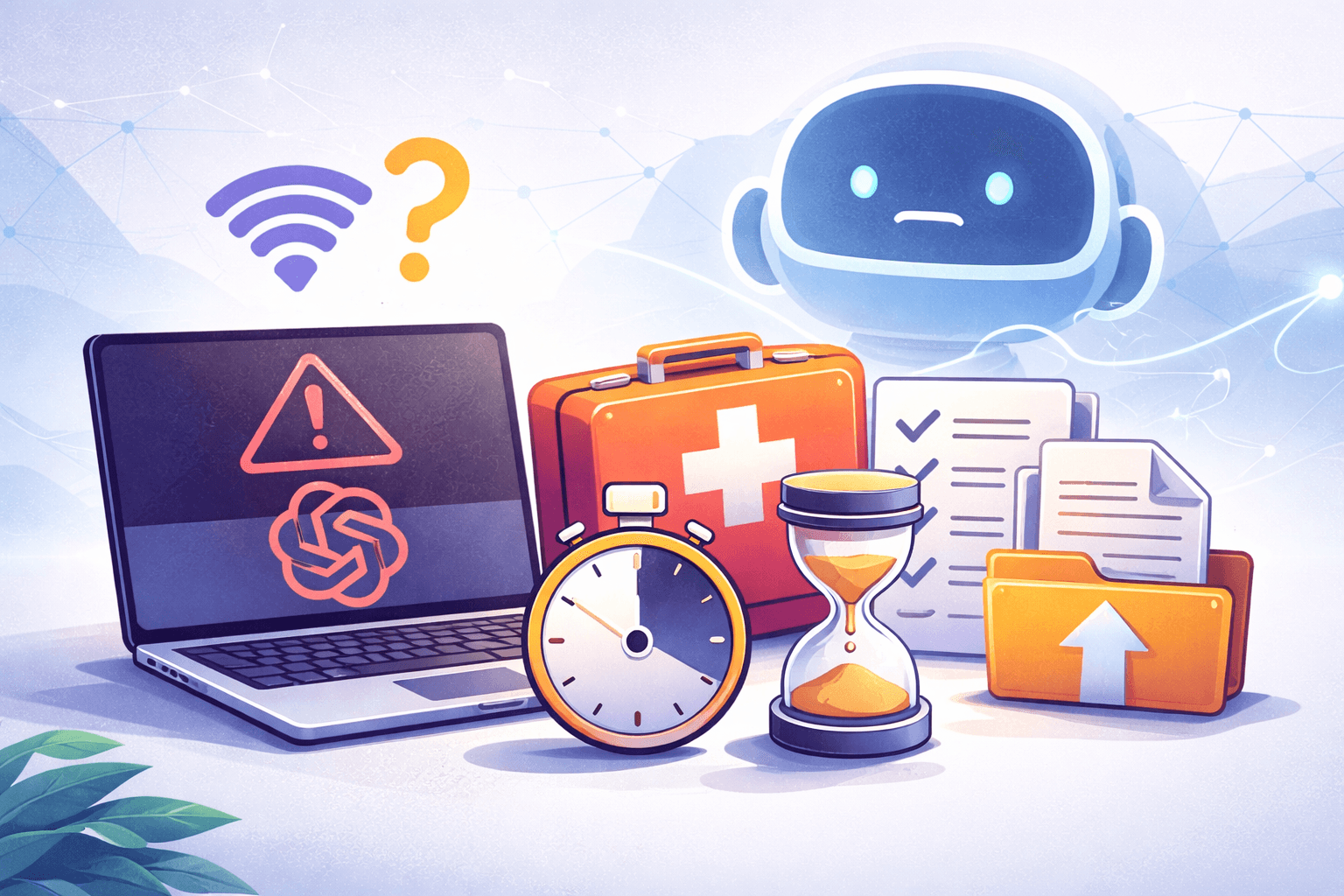
ChatGPT Down? Survival Kit for Immediate Help
Looked away for a second and suddenly ChatGPT goes on strike just when you need it most? Don’t panic! In this 10-minute survival kit, you’ll learn how to keep working without waiting even when ChatGPT is down. Whether you’re a developer or just rely on AI in your daily life – with our tips, you’ll stay productive when ChatGPT isn’t working.
We’ll show you step by step how to check the status, use quick ChatGPT alternatives, fall back on offline checklists, use your own outline templates, and be prepared for the next outage thanks to exports/backups. Let’s get started!
Check the Status: Is ChatGPT Really Down?
The first thing to do is find out whether the problem is with ChatGPT or something else. Check the status is the motto:
Official Status Check: Visit the official page status.openai.com to see if there’s a reported outage. If everything is green there but ChatGPT is still slow, the problem might be elsewhere.
Community and Downdetector: Alternatively, you can use services like Downdetector or take a quick look at Twitter (now X) and Reddit. Searching for “ChatGPT down” or “ChatGPT not working” often shows within seconds if many users are affected.
Check Your Own Connection: Sometimes it’s not ChatGPT’s fault. So quickly check your own setup. Is your internet connection stable? Giving your router a little love (a.k.a. restarting it) can work wonders. Is there a browser problem? Try another browser or use incognito mode – maybe it’s just an extension acting up.
In most cases, you’ll know within 2–3 minutes whether it’s a global ChatGPT outage or a local issue. This diagnosis saves time and nerves. If it’s clear that ChatGPT itself is down, it’s time for Plan B.
Quick Alternatives: Keep Working Without ChatGPT
Okay, ChatGPT is down. Time for spontaneous solutions! Luckily, you’re not completely lost, as there are plenty of ChatGPT alternatives you can use right away:
Use OpenAI Backend & API (for techies): Did you know that often only the ChatGPT frontend is down, but the backend (the OpenAI API) is still running? If you’re tech-savvy, you can access the API directly. For example, via the OpenAI Playground web interface or with a small script. (Nerd tip: With a one-liner like
OpenAI(api_key="[Your OpenAI API-Key]").responses.create(...)in Python, you can address the ChatGPT core directly.) If you’re interested, check out this blog post! There, I explain step by step and beginner-friendly how to set up your own ChatGPT with NestJS using the OpenAI API. That way, you’ll even have your own AI chatbot ready in an emergency!
Microsoft Copilot or Google Gemini: For those who don’t want to code, the big alternatives are a great option. Microsoft Copilot (in the Microsoft Edge browser) runs on GPT-4 under the hood and is often freely available. Google Gemini is Google’s AI assistant and is easily accessible with your Google account. Many even say Gemini is now better than ChatGPT, so try it out for yourself.
Other AI Tools: The AI market is booming – take advantage! There are specialized services like Jasper.ai (for marketing texts), YouChat or Perplexity AI (for fact-checking with sources), and even Claude by Anthropic (known for long context inputs). German-language offerings and open-source models are also getting better all the time. A quick Google search for “ChatGPT alternative” will give you up-to-date tools to try while ChatGPT is on break.
Old School: Human Help & Offline Resources: If all else fails, don’t forget the classic alternatives. Ask a colleague for advice or turn to tried-and-true resources like reference books, documentation, or just your own brain. Sometimes these can do more than you think in the AI age. 💪 Sometimes it’s amazing what a quick brainstorming session on paper can achieve.
With these alternatives, you can keep working seamlessly, without having to wait for ChatGPT. You might even discover new favorite tools or learn that you can handle certain tasks solo!
Offline Checklists: Your Lifesaver in an Emergency
When there’s no AI at hand, checklists help you stay on track in a structured way. Imagine having a cheat sheet for recurring tasks – that’s exactly what offline checklists are. Here are a few examples of how they can save you:
Coding & Debugging: Attention developers! Normally, ChatGPT helps with debugging or coding? Prepare a debugging checklist. It could include points like: read the error message carefully, test with simple inputs, add console.logs, or undo code changes step by step. Such a structured approach will get you to your goal even without AI.
Writing & Content Creation: A checklist can work wonders for writing too. Example: Roughly sketch the idea -> define the core message -> create an outline (see next point) -> write the first draft -> proofread. If ChatGPT isn’t helping, just follow your personal guide.
Everyday Tasks & Planning: Do you usually use ChatGPT to create to-do lists or daily plans? Create a general checklist for such cases in advance. For example: 1) Identify the most urgent task, 2) Break big tasks into small steps, 3) Allocate time blocks, 4) Plan short breaks. You can go through these steps on your own and keep your day under control, even without a digital assistant.
The trick with offline checklists: You have them ready (ideally printed out or saved as a note) when technology fails. They give you support and structure, so there’s no downtime. Your workflow stays stable, even if ChatGPT gives up.
Outline Templates: Structure at the Push of a Button
Creative minds know this: a blank sheet of paper (or a blank document) can be intimidating, and ChatGPT often helped with a first draft or outline. If that help is gone, outline templates come to the rescue.
Outline or structure templates are pre-made frameworks that you just need to fill with content. Here are some ideas where they help:
Blog Posts & Presentations: Keep a general blog post structure handy: Title, introduction, problem description, solutions, conclusion/call-to-action. You can use this as a template to quickly write an outline even without AI. The same goes for presentations, such as agenda, current state, problem, solution, next steps, Q&A. With such a framework, you’re never stuck.
Emails & Letters: If ChatGPT usually writes your emails, create a few simple text modules. For example, for business emails: greeting, short introduction to the context, main points in bullet form, clear question or request, friendly closing. You can use this outline again and again instead of starting from scratch each time.
Project Planning & Requirements: For the dev crowd, outline templates can also be technically useful. For example, a template for user stories (As ___ I want ___ so that ___), for architecture documentation (heading, goal, architecture diagram, component description, challenges), or for project checklists (setup, development, testing, deployment, documentation). Such structures make it easier to get started when AI can’t provide suggestions.
The trick is to have these templates prepared. Store them in a folder or notebook. Then it only takes a few minutes to pull them out, and you immediately have a plan you just need to fill with your ideas. No more wondering “How do I start?” – the outline gives you a starting point.
Exports & Backups: Prepare for the Next Outage
Last but not least: The best strategy to stay relaxed during a ChatGPT outage is good preparation. Make it a habit to back up important content and conversations in time. Imagine you’re working on code or text with ChatGPT. What if everything suddenly disappears? With regular exports and backups, that won’t happen:
Save Chat Histories: Copy important ChatGPT responses and save them locally. This can be in a document, a note-taking tool, or old-school copy-paste into a text file. That way, you have critical info at hand if the chat history disappears or won’t load.
Use the Export Function: Did you know ChatGPT has an export function? You can export your data (e.g., as a JSON or Markdown file via email from OpenAI). Use this monthly or after big projects. Better safe than sorry.
Save Code & Files Immediately: For developers, it’s best to immediately save code generated by ChatGPT in your editor or upload it to GitHub. Don’t rely on being able to fish it out of the chat later. The same goes for configurations or JSON responses from ChatGPT. Save them quickly, so you can keep working offline if needed.
Document Prompts: Have you crafted a particularly effective prompt? Write it down! A small prompt logbook (digital or analog) helps you get started again quickly, whether with another AI or later when ChatGPT is back.
With such backups, you ensure that a ChatGPT down doesn’t catch you off guard. You minimize data loss and can pick up where you left off elsewhere. Remember: prevention is better than cure. Next time there’s an outage, you can relax knowing you’ve saved everything important.
Conclusion: Stay Calm and Be Prepared
A ChatGPT outage is annoying, sure – but with my 10-minute survival kit, it’s not the end of the world. The important thing is to stay calm and quickly switch to your Plan B. Check the status, use an alternative, grab your checklist, open your outline template, and get going. That way, you can keep working without much delay and keep your workflow running.
If you’re also open to technical solutions, like your own ChatGPT backend in NestJS, I recommend signing up for my newsletter. There you’ll be the first to know when a new blog post about programming appears, and I’ll regularly provide you with new info, tips, and tricks. I look forward to seeing you!
Stay productive, whether ChatGPT is chatting away or taking a break. With these tips in mind, you’re ready for any ChatGPT down day. Good luck and happy working!

Comments
Please sign in to leave a comment.